


Lotus365 Download APK: Safe Install, Updates, and Launch Tips for India

Start with Source Verification Before Any Download

Before any Lotus365 app download begins, the first step is source verification. The install file should be taken only from the address shown by the platform itself, not from copied pages, reposted APK collections, or random search results.
A safer check includes:
- verifying the full domain in the address bar;
- confirming HTTPS is active;
- checking the file name shown on the page;
- reviewing the version or build label, if visible;
- paying attention to device or browser warnings before opening the file.
A page that uses terms such as Lotus365 download or Lotus365 APK does not become trustworthy just because the wording looks familiar. The source matters more than the label.
Lotus365 Android Installation: From File Download to First Launch
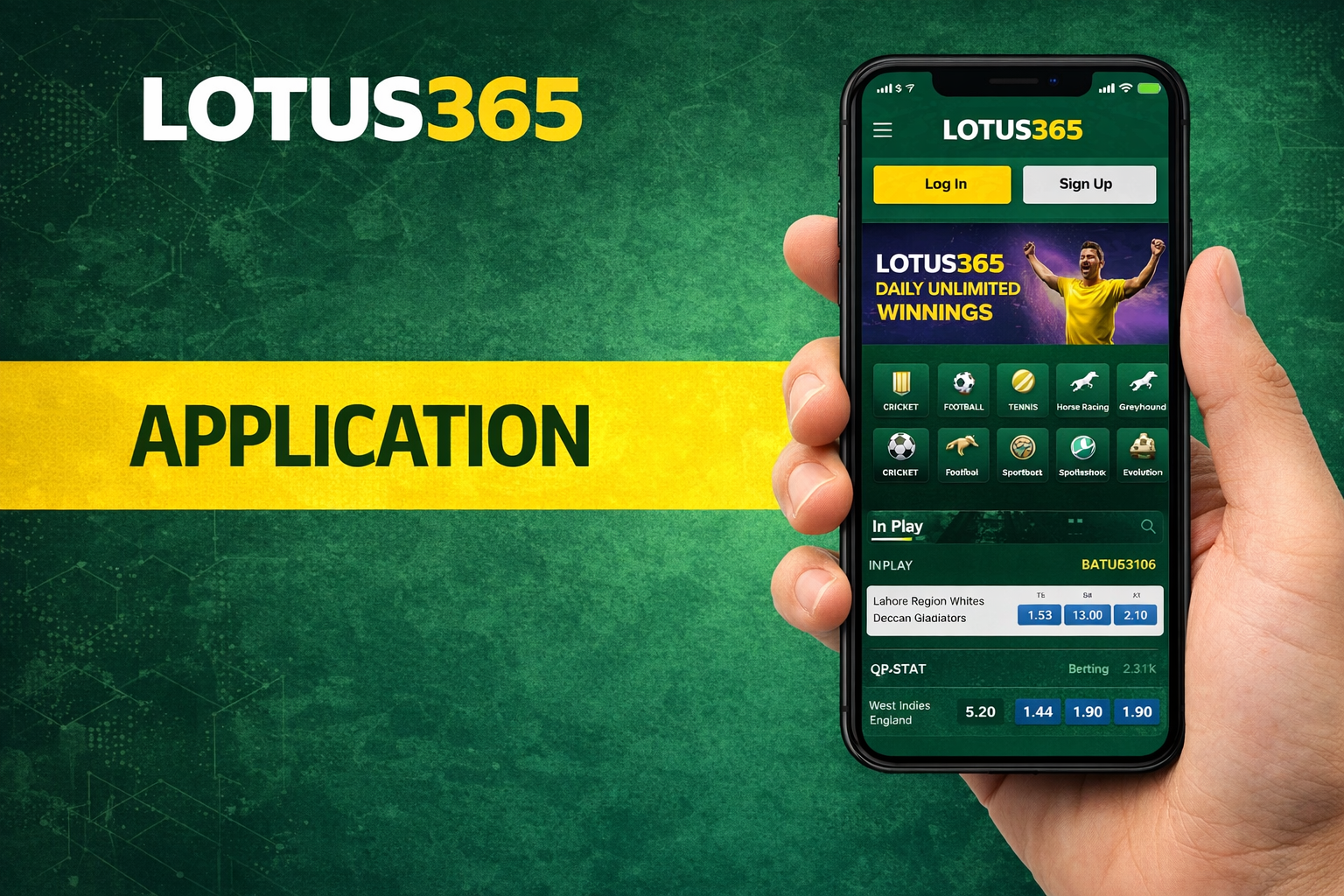
A clean Lotus365 app install on Android usually follows a simple order. The exact screen names can vary by device, but the general flow stays familiar.
Typical steps:
- Open the verified platform source.
- Start the Lotus365 APK download from that page.
- Save the file and wait until the download completes fully.
- If Android requires it, temporarily allow installation from that browser or file manager.
- Run the installer and complete the setup.
- Open the app for the first launch.
- Complete the first login only after the interface loads normally.
- Review basic security settings and permissions after setup.
The main warning here is simple: fake APK files exist. A phishing installer can imitate the Lotus365 app, copy the colors and layout, and still deliver the wrong file. That is why the real check is always the source.
iOS Access Options Without Unsafe Workarounds
On iPhone or iOS, users should rely only on the access methods clearly shown by the platform itself. If the live page offers browser access, a web shortcut, or another supported route, that is the path to follow.
Users should not rely on unverified profiles, certificates, or workaround schemes copied from third-party pages. If a Lotus365 app route is not clearly confirmed for iOS in the current platform interface, it is safer to use the mobile site than to improvise an install method.
The rule is simple: use only the access path the platform actively shows, and avoid anything that depends on untrusted installation tricks.
What Users Commonly Do in the Lotus365 Betting App
A typical Lotus365 betting app is used for a few common tasks rather than one single function. Users often open it for speed and convenience, but the real section list still depends on the current UI.
Inside the app, users commonly look for:
- live access to events;
- placing bets;
- checking the account area;
- navigating payment sections;
- reviewing activity and history.
The exact menu names can vary, so the safest approach is to follow what the current interface actually shows instead of relying on old screenshots or copied descriptions.
Updating the App Without Reinstalling from Random Sources
Updates should be handled with the same caution as the first install. The safest update route is the same verified source that provided the current Lotus365 app install.
Users usually check version or build details in places such as:
- About
- App Info
- settings screen
- version label on the download page
Updates matter because they may include security fixes, stability improvements, and compatibility changes. In many cases, a Lotus365 APK update can be installed over the existing app without deleting it first.
Reinstallation is a backup option, not the default one. It makes sense only when the update fails, the file is damaged, or the current app is clearly broken. Even then, the replacement file should come from the same trusted source, not from a random page advertising Lotus365 APK download links.
Installation and Launch Problems: Practical Troubleshooting
Some problems appear more often than others, and most have a practical first check.
The file does not install
This may happen because the device blocks unknown-source installs, storage is low, or the file is incomplete.
The system blocks the setup
Android may block the Lotus365 app install process until the user confirms the installer source or changes a temporary security setting.
There is not enough memory
Low storage can interrupt both the Lotus365 app download and the install itself.
There is a version conflict
An older build can sometimes conflict with the newer one, especially if the current install is damaged.
The app opens but does not run properly
This may be caused by a broken install, outdated components, or a problem in the downloaded file.
Login fails right after installation
This can happen because of incorrect credentials, an unstable connection, stale session data, or a mismatch between app and browser session handling.
Before retrying, use this checklist:
- confirm the source again;
- make sure the file finished downloading fully;
- check free storage space;
- confirm the connection is stable;
- review temporary Android install permissions;
- compare the result with mobile web access;
- verify that the current app version is not conflicting with an older build.




Device Readiness Without Guessing Unsupported Versions
If exact Android or iOS requirements are not confirmed on the live platform page, it is safer to stay with general device checks instead of inventing minimum versions.
Before using Lotus365 app download or Lotus365 download APK, check:
- enough free storage space;
- stable internet access;
- an updated operating system;
- that the file is not damaged or incomplete;
- app permissions after installation.
These checks are simple, but they solve many routine problems without relying on guessed technical claims.
FAQ
Confirm the source first. A legitimate Lotus365 APK or Lotus365 APK download file should come only from the live platform page or account area. Check the domain, HTTPS, file name, and any visible version details before installing it.
Check whether the device is blocking installation from that browser or file manager. Then confirm that the source is trusted, make sure the file completed downloading, and retry only after reviewing storage and system warnings.
Not always. For many users, mobile web is enough for everyday use. A Lotus365 app can feel more direct once installed, but it should not be treated as mandatory if the mobile site already works well on the device.
Often, yes. A Lotus365 download APK update may install over the current version if the file is compatible and the existing app is healthy. Deleting the app first should be treated as a backup option, not the default update method.
A Lotus365 betting app login can fail because of incorrect credentials, unstable internet, a damaged install, old cached session data, or a mismatch between app and browser states. Before retrying, confirm the source and check whether the same account works in mobile web.
Start from the platform’s verified page, download the file shown there, complete the install, open the app, and sign in only after the interface loads normally. The safest Lotus365 app install route is always the one shown by the platform itself.
That depends on the current platform route and app availability. In general, devices with enough free storage, current updates, and stable internet are more likely to work well. Exact support should be checked in the live interface rather than assumed.
Bonus activation depends on the current Bonus, Promo, or Terms section inside the platform. Users should read the live rules before assuming any offer applies to the installed app or mobile account.
There may be version-related limits, but they should be checked only in the current app or help information. If the live platform page does not confirm exact versions, it is safer not to guess them.